

Technical Support
Worried about a new piece of technology? Our customer service and technical support network have ensured that the set-up is easy as 1, 2, 3. The goal is to ensure your device runs smoothly. Read through each of the steps on the app and if you have any questions, please contact your local DermapenWorld Representative.
Let’s get started...
First, make sure your Dermapen device is synced and updated to the latest firmware. Then ensure the DermapenWorld App has been updated to v3.
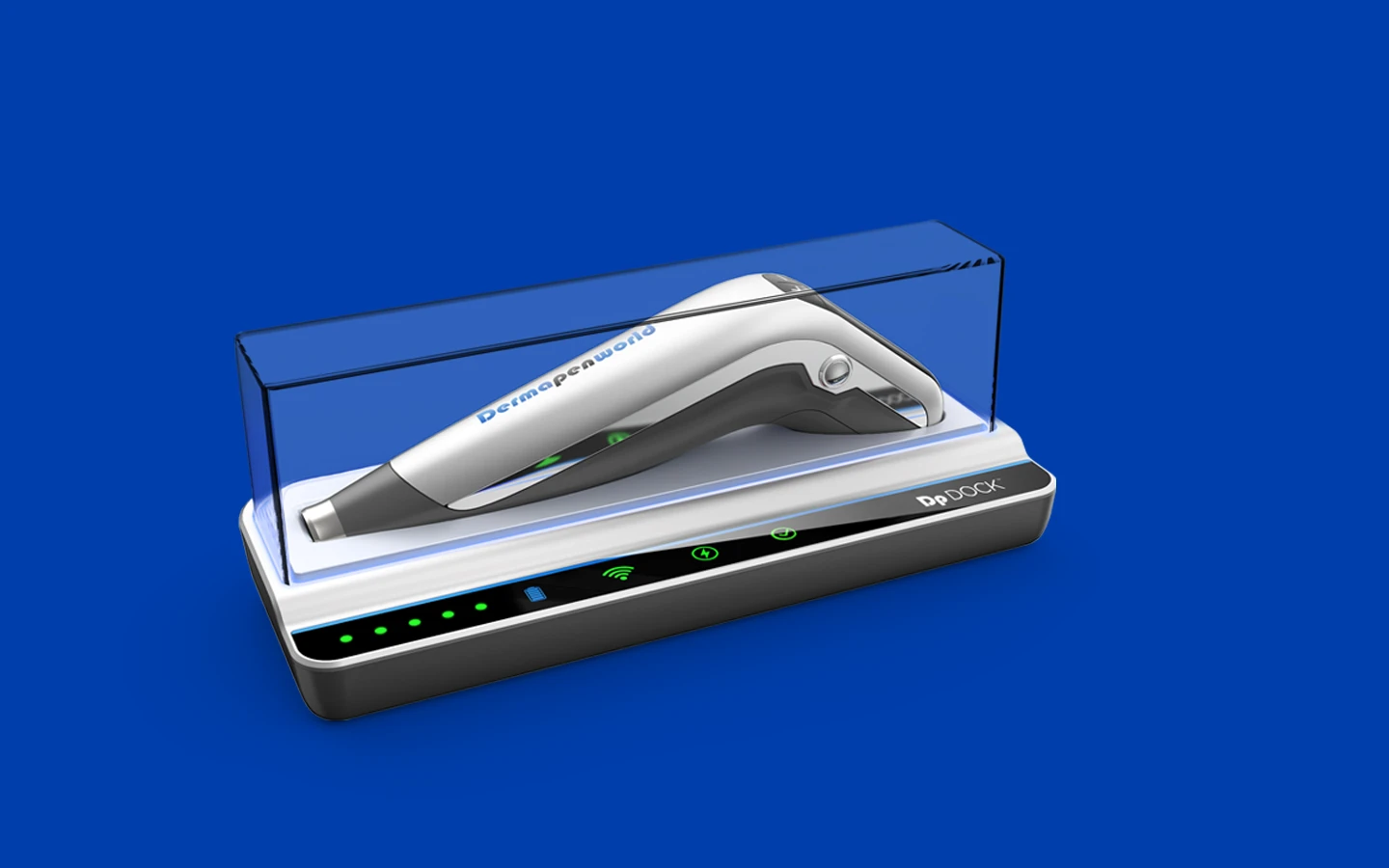
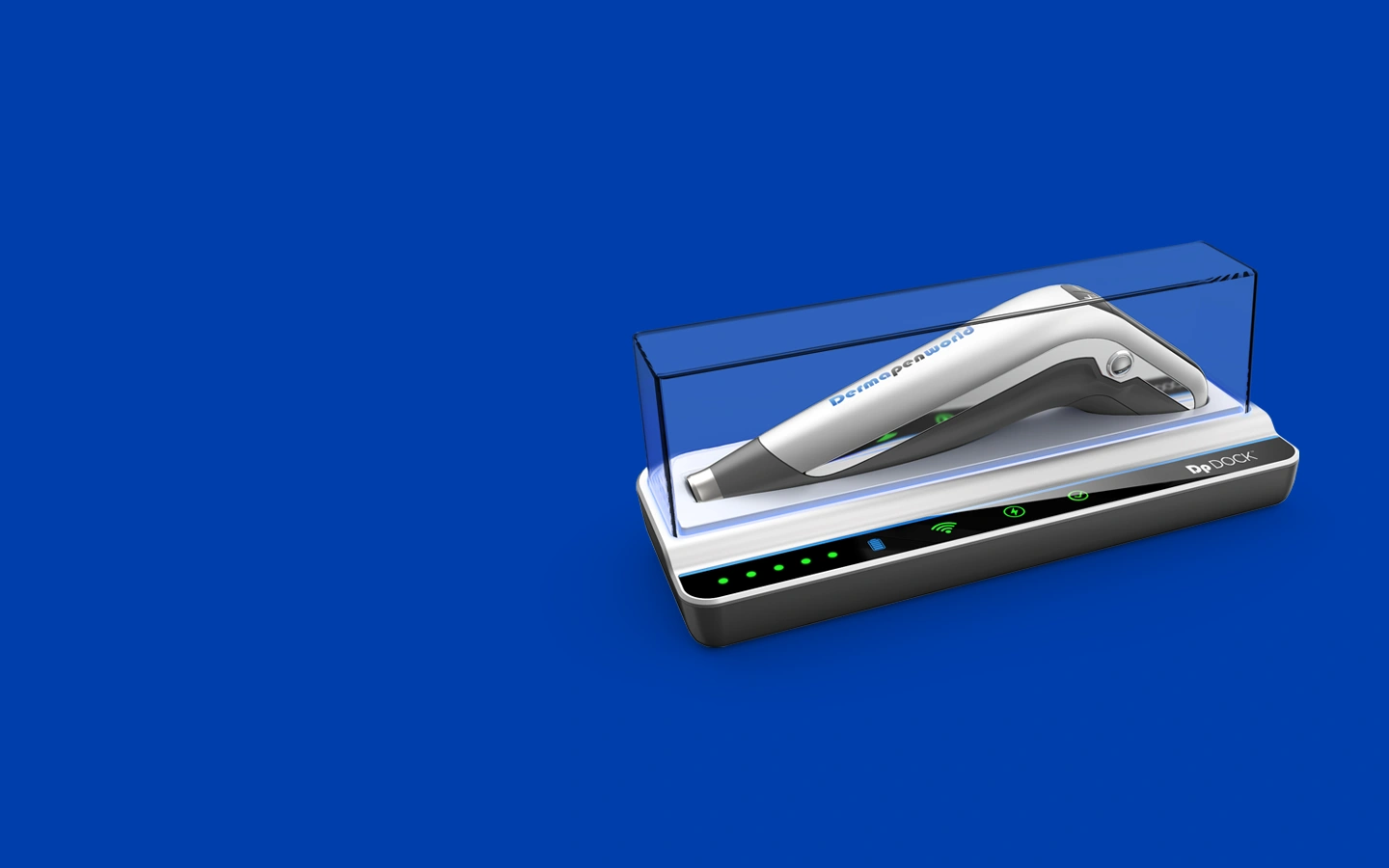
Go to the “Pen Details” screen for the Dermapen and click the 'Add Dp DOCK to this device' button. The app will guide you through setting up the Dp DOCK and linking it to the Dermapen.
After that, simply place the Dermapen on the Dp DOCK between procedures. The Dp DOCK will handle syncing and updating the device while you focus on delivering world-class Dermapen Treatments™.
Get the V3 Dermapen App for Smoother Procedures & Enhanced Efficiency
Our completely reworked DermapenWorld app architecture upgrade ensures optimal performance and stability, making using the app seamless and efficient.
Released alongside the Dp DOCK™, the DermapenWorld V3 App is designed to fully integrate with your docking station, providing a cohesive and enhanced user experience.
Simplify your workflow with a single app that supports all Dermapen-branded pens. If you own a Dermapen4™, Dermapen PRO™, Dermapen PRO+™, Dp4™, Dermapen HOF™ or Dermapen HOME™, we've got you covered! There’s no need for multiple apps, streamlining your operations and saving you time.
Whether you’re working in the clinic or using Dermapen HOME™, this single app caters to both environments. Enjoy tailored app functionality and ease of use, regardless of where you are.
Get started quickly and securely with targeted user sign-in or sign-up process. The smooth onboarding experience cuts down frustration and stress and allows you to be setup and using your Dermapen in no time. When returning to the app, it will remember the last successful email used to sign in.
Navigate the app effortlessly with a user-friendly home screen. This intuitive design helps you find what you need quickly, improving your overall experience and efficiency.
The DermapenWorld V3 App provides new and existing users with enhanced step-by-step guidance to help with onboarding their Dermapen and Dp DOCK™. Visual aids such as images, animations, or videos on setup screens make it easier to understand and follow instructions. Helpful animations, targeted FAQs and checklists place training directly in the hands of the customer.
Enjoy flexibility with an app that’s compatible whether you have the Dp DOCK or not. This ensures you can benefit from the app’s features regardless of your setup.
Access the app from anywhere in the world. This global availability ensures you can manage your Dermapen™ devices and procedures no matter where your clinic is located.
Experience peace of mind with an app designed to be user-friendly and stress-free. The intuitive interface and helpful features make managing your microneedling practice easier than ever.
Get the ALL NEW Dermapen 4™
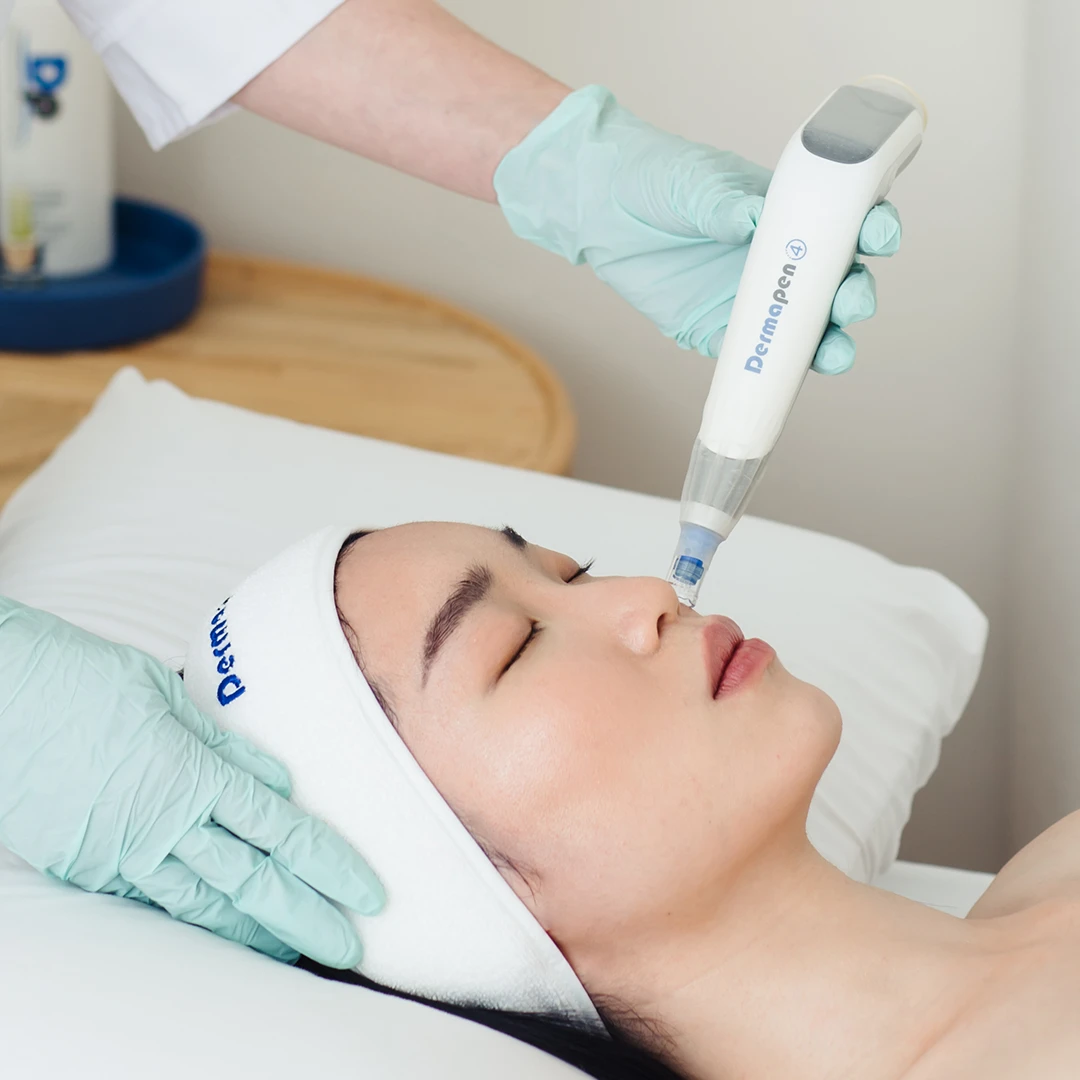
Have you already got a Dermapen 4? Don’t worry—your investment is secure. By updating to the new DermapenWorld™ V3 App and integrating the new compatible Dp DOCK™, your existing Dermapen 4 transforms into the ALL-NEW Dermapen 4.


